Livesync discontinued - now available at maxforlive.com

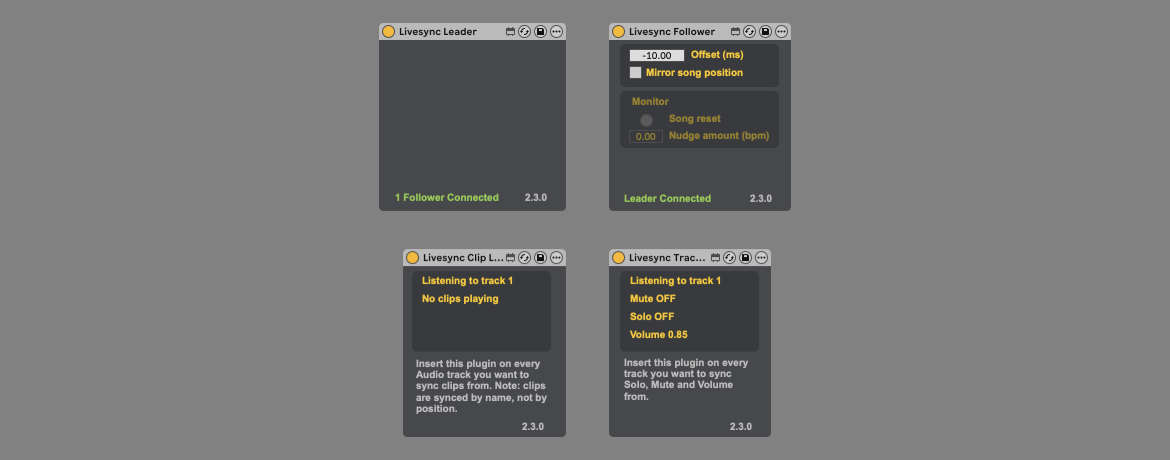
For years, Livesync has helped performers keep two Live sets synchronous — a backup set for quick switchover if a computer crashes, or a separate machine running video/lighting synced to the on-stage set. It quietly served many acts who needed that extra safety net or staging flexibility.
Today, we’re publicly retiring Livesync. It will no longer appear on our main website, and we’re discontinuing maintenance and support. From now on, only the legacy version (2.3.0) will remain available — as a free archived download on maxforlive.com.
Why the change
Over time, Livesync became increasingly outdated and hard to maintain, especially in light of evolving Live and M4L developments. We attempted a successor in the 3.x line (leveraging features like Ableton Link), but it didn’t deliver the reliability and simplicity we wanted.
What this means for users
- Livesync will no longer receive updates or bug-fixes.
- We won’t be offering customer support for it.
- If you rely on Livesync in your workflow, you can still download version 2.3.0 from maxforlive.com and continue using it, though you do so as-is.
What we’re focusing on now
Moving forward, all our energy will go into developing and improving our core products — mainly Beam and Videosync — and continuing support for our other free tools: LiveMTC, LiveGrabber, ClipSMPTE and ResolumeM4L.
Thank you to everyone who used Livesync over the years — we hope this archived version continues to serve those with needs that haven’t changed.